How it works
From "the agent says it's done" to done
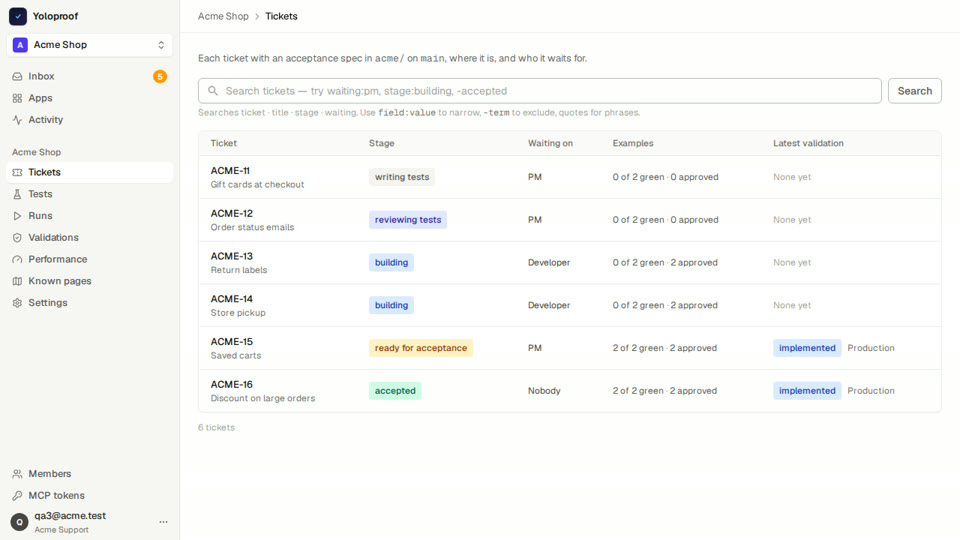
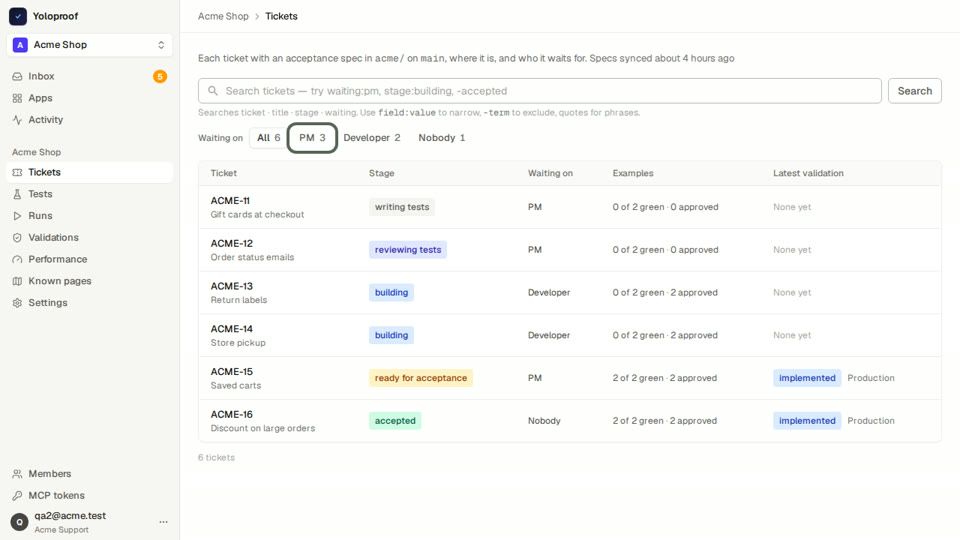
The same steps for every change. The screenshots and the video below are real: Yoloproof testing a change to Yoloproof.
01
Write down what "works" means
A change starts as a short Markdown file in your repository: a title, a few examples, and for each example the assertions that prove it. You, your agent, or both of you write it. It goes through a merge request like any code.
Before it merges, Yoloproof reads it back to you in plain words and flags the weak spots, like a test that checks a number that only holds for today's data.
acceptance/PAY-7.md

# PAY-7: Pay now charges the card

Customers pay with a saved card and get a receipt.

## E1: Clicking Pay now charges the card
Given: the test account has a saved card
- assert role: heading[name="Payment received"] -> visible

## E2: The receipt shows the order number
Given: the test reads the order number into order_number
- assert testid: receipt-order -> text contains "{{captured.order_number}}"
In plain words
- E1 Checks that the "Payment received" heading is shown.
- E2 Checks that "receipt-order" contains the order number read earlier.
A test that only checks that something is absent also passes before the change exists. Add one that checks what should be there.
02
Prove the test can fail
Each example becomes a test that runs in a real browser, against your app, before the change exists. It has to go red, on the assertion, not on a typo. A test that passes before the work exists gets flagged as an unexpected pass.
Then Yoloproof breaks the test on purpose, on another page or with other data, and records what it catches. So you know the test reads the right thing, not just that it turned green once.
Before the change: red
After the change: green
Real runs. The green screenshot outlines the element the test read. ✓ Proven to catch: fails when it runs on a different page.
03
Review the tests, not the code
Each test reads as numbered steps in plain words, with the red and green screenshots next to it and a short video with a caption on every step. Approve it, or ask for a change with a note.
An approval sticks when a later fix only repairs a selector. Any change to what a test does asks for a new review.
04
Test the deploy, not a laptop
Point a validation at a preview URL from a merge request, at staging, or at production. Yoloproof runs the change's tests there, and with them every test of earlier changes, so a fix that breaks something next door shows up.
Every night the finished tests run again on the environments you pick.
Validation #638 · PAY-7 on staging
implemented- E1 Clicking Pay now charges the card✓ met
- E2 The receipt shows the order number✓ met
Earlier changes: 14 of 14 as expected. Nothing broke next door.
05
Your agent does the typing
About 90 MCP tools cover every step, so Claude or any MCP client can write the spec, write and run the tests, read the failures and validate the deploy. Each tool says what it may do, and tokens carry a role.
What your agent can't do is move the goalposts. A test's final assertions come from the spec file, and only a change to that file can change them. Need the tests locally? Export them as a Playwright file.
› acceptance_specs_check   PAY-7.md ok, 0 warnings
› test_scenarios_update    E1, E2 written
› test_scenarios_run       E1 ✗ red  E2 ✗ red   as expected
  … the change ships …
› validation_requests_create staging
› validation_requests_get  ✓ 2 of 2 met, 14 of 14 earlier tests ok
› test_scenarios_export_playwright pay-7.spec.ts
06
Accept with the evidence in front of you
When a validation meets every example, the change waits in your inbox. Watch the videos, compare red and green, then accept or reject with a note. A rejection goes back with your note, and only a newer validation can bring it back.
PAY-7 Pay now charges the card
Validation #638 on staging: implemented, 2 of 2 examples met
Earlier: rejected, "The button works, but the receipt has no order number." Fixed in the next validation.
07
Safe to point at production
- Tests open only the environment's own host and the hosts you allow.
- Mark an environment read-only, and tests that create data don't run there.
- Each run takes its own test user, so parallel runs don't sign each other out. Sessions are reused, so a sign-in limit doesn't stop the suite.
- Test logins are encrypted. Passwords and secret headers are removed from traces before they are kept.
08
Shows up where you already work
Specs live in git. Linear issues get one card per change with its stage and the latest validation. Merge requests in GitLab get a note with each test in plain words, and the note says when the spec and the issue disagree.
Merge request !214 · note from Yoloproof
PAY-7: 2 examples, waiting on review
- E1 Checks that the "Payment received" heading is shown.
- E2 Checks that "receipt-order" contains the order number read earlier.
The examples match the Linear issue.